Social Media Schedules and Rhythm
Free Scheduling with Meta Business Suite
Meta Business Suite is a free tool from Meta that lets your church schedule posts on Facebook and Instagram. If you are already using a Facebook Page and Instagram account, this is usually the simplest place to start. The main win is consistency without having to think about posting every day. Schedule what you already know is coming, then save drafts for anything that depends on photos or video you have not captured yet.
What you can schedule ahead of time
Sunday invite
Midweek reminder
Repeating announcements
A weekly verse or quote from the sermon
Event reminders you know are happening
Use drafts for anything you cannot finish yet
Drafts keep you from starting over later. Write the caption while the information is fresh, save it, then drop in the photo or Reel when you have it. This is also helpful if more than one person helps with communication, one person can prep captions and another can add media later.
Other common tools churches use for scheduling post
Buffer: simple scheduling across platforms, easy to learn
Hootsuite: more advanced scheduling and monitoring for larger teams
A simple way to choose
If you only use Facebook and Instagram, start with Meta Business Suite
If you are posting to multiple platforms and want one calendar, look at Buffer or Hootsuite
Example weekly content calendar
Monday: recap from Sunday (one photo or a small set of photos)
Tuesday: verse or quote from the sermon
Wednesday: midweek reminder or announcement
Thursday: Reel (sermon clip, worship clip, or a quick ministry moment)
Saturday: Sunday invite
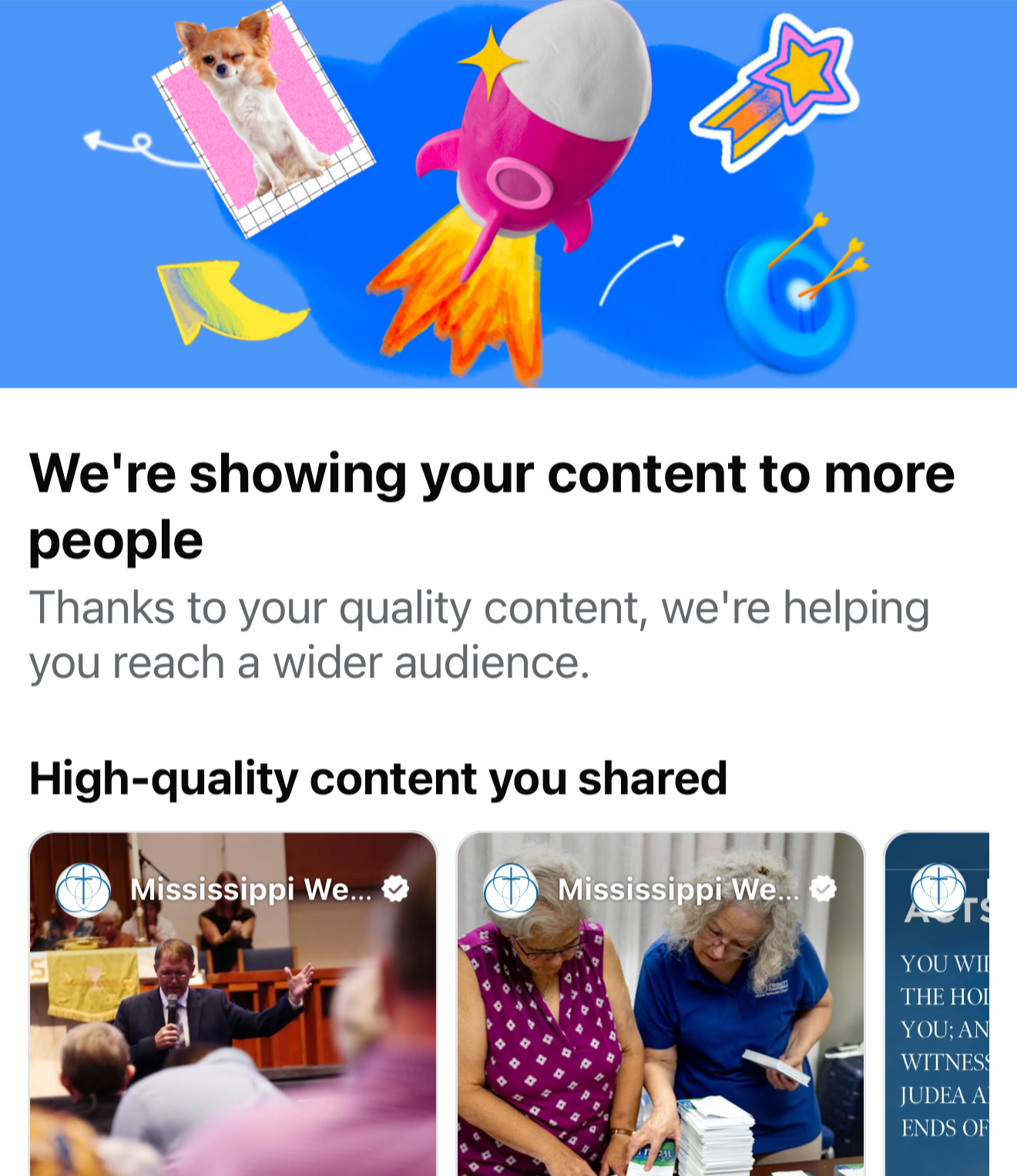
High Quality content
Social platforms reward real content. Social media Platforms are not bulletin boards, and they usually tend to not push posts that feel like announcements only. If your feed is mostly text-on-background graphics, it is going to feel like a flyer wall instead of church life.
A better goal is to be photo-first. If you use graphics, keep them photo-heavy. A simple rule is 70/30: about 70% photo and 30% text. Use text only for what someone needs at a glance, and put the details in the caption.
Camera vs Phone
Phones are getting better, but low light is still where they struggle the most. In a dim sanctuary, gym, or fellowship hall, a phone often has to work hard to keep the image bright and clean. That is why it is common to see phone photos looking soft, noisy, or blurry when people are moving.
A real camera with a larger sensor and a fast lens usually wins in those settings. Side by side, the camera will normally give you cleaner images, better motion handling, and a more natural look. Phones can look great in good light, but indoors, the camera tends to be the more reliable tool.
Avoid the over-processed photos
Phones automatically process photos with things like HDR, sharpening, and noise reduction. That is not always bad, but it can make photos look a little fake if the processing is heavy. Portrait mode and “cinematic” blur can also look odd around hair, glasses, hands, mic stands, and instruments. It is not that social platforms ban that look; however, when Portrait modes are used without understanding the limitations, they often perform worse because it ends up looking artificial.
Simple standards that help
Use real photos from your church as often as possible
Keep graphics photo-first, not text-first
If you add text, keep it minimal
Use a real camera when you can, especially indoors or in low light
If you use a phone, avoid portrait blur for most church moments and prioritize good lighting
Batching Task
Batching means doing the same kind of work or task in one block of time instead of trying to squeeze in multiple categories of task into a block of time. Most churches do not need a complicated system, just a repeatable plan. A simple example: do not write one post, then stop and switch to making a graphic, then jump back to writing another caption. That back-and-forth slows you down because your brain has to keep switching gears between writing mode and design mode.
Batch the tasks instead. Write all your captions in one sitting. Then move to graphics in one block of time. Then upload and schedule. Staying on one kind of task helps you think clearer, make fewer mistakes, and finish faster because you are not constantly trying to re-focus every time you switch.
A simple batching plan
Write captions for the week or month in one sitting
Upload and schedule the posts you already know are coming
Build the rest as drafts so you are not starting from scratch later
A simple monthly approach
Some posts are predictable enough to schedule monthly, especially if your church calendar does not change much.
Recurring ministries and meeting reminders
Monthly events
Series graphics once the series is finalized
Then each week, add the real-life content: photos from Sunday, a quick clip, a short thank-you, a behind-the-scenes moment.
Creating Facebook Events
Facebook Events still matter for churches because they give people one place to see all upcoming events, get reminders, and share with friends. If you want people to show up, make the event easy to find and easy to understand.
A simple approach
Create the event early, even if every detail is not final
Use a clear title with the audience in mind
Add date, time, and location
Use a strong, photo-first image instead of a text-heavy flyer
Update the description as details come in
Invite followers to the event
A helpful pattern is to post the event when it is created, then share it again the week of, then share a final reminder the day before or the morning of.
Creating Facebook Groups for inviting people to your events
Facebook Groups are useful because they make inviting people faster and more targeted. Instead of trying to invite from your entire follower list, a group gives you a smaller, more relevant list of people who actually want updates. This matters for things like a members group, a youth group, or a parents group, where you need quick communication and consistent turnout.
Why groups help with invites
You can invite people to events much faster from a group because the list is already narrowed down
You are inviting people who have already opted in, so the invite is less random and more likely to be seen
Members also see posts, comments, and reminders in one place, which helps attendance
A simple batching idea: set one day a week to do group invites
Pick one weekly block of time (10 to 20 minutes) and do the same steps each time.
Create or share the event link into the group
Invite group members to the event from that group
Pin the event post so it stays at the top
Do not create separate social accounts for every ministry
It is tempting to make separate accounts for youth, kids, men, women, and young adults. In most churches, that spreads your attention thin and slows growth because you are trying to build multiple audiences at the same time.
One main church page usually works better. Youth and kids content often gets strong engagement, and that engagement helps the whole page. When the page has regular interaction, more people see your other posts too, including worship invites, service projects, and churchwide announcements.
A simple approach that works for most churches
Keep one primary Facebook Page and Instagram account for the whole church
Post ministry content on that same account so the audience grows together
Use groups for ministry-specific communication instead of creating more public-facing account
If you have any questions about these processes, contact Kyle Wilson .